Moving USDT Between Networks Through an Exchange: What to Check Before Sending
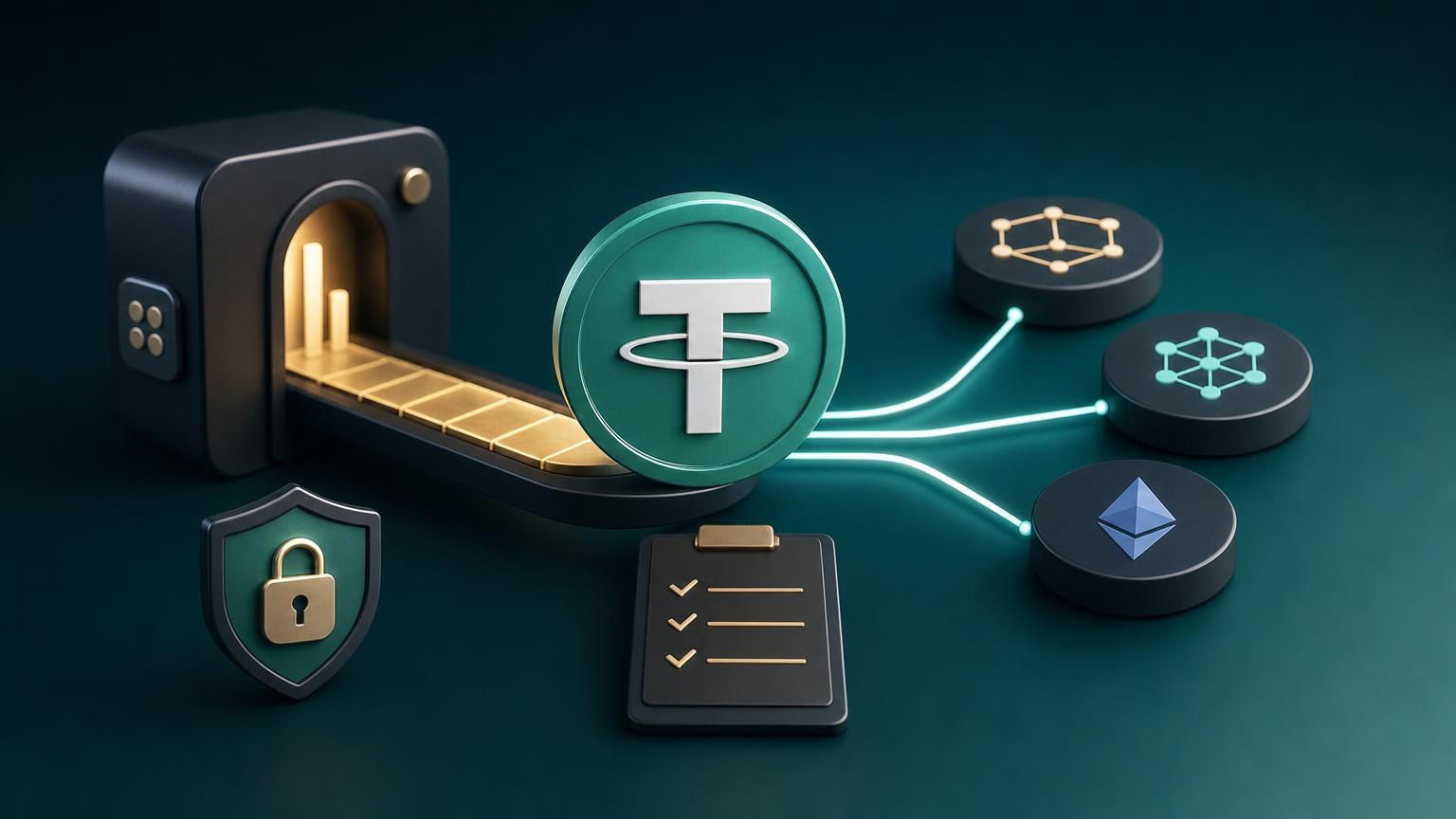
Moving USDT from one blockchain to another through an exchange usually involves two separate transfers: you send USDT on the source network to the exchange, and the exchange sends USDT on the target network to your destination address. The ticker may remain USDT throughout, but the network changes. A correct address on the wrong network can still lead to an uncredited deposit or lost access to the funds.
The safe route is to define the required result first, verify both network endpoints, and treat the final send confirmation as irreversible. USDT exists on multiple blockchains, while individual exchanges and wallets support only selected implementations. Tether also notes that support for a particular blockchain can change, so current availability must be checked for every operation rather than inferred from an older transaction. [1]
Operation State Map
- Task: define the required destination state.
- Transition condition: you know which wallet or platform must receive the USDT and which network it accepts.
- Check: open the receiving interface and copy the exact asset name, network name, deposit address, and any Memo or Tag displayed there.
- Success sign: the destination explicitly identifies the deposit as USDT on the intended target network.
- Stop if it does not match: do not continue if the destination shows another asset, an unavailable network, a suspended deposit route, or an unclear network label.
- Input data: identify the USDT you already hold.
- Transition condition: the sending wallet shows the blockchain on which the current USDT balance exists.
- Check: confirm the source network from the wallet interface, token details, or the transaction history that originally funded the wallet. Do not identify the network from the address format alone.
- Success sign: the source network is known and can be selected as the deposit network in the proposed exchange direction.
- Stop if it does not match: stop if you cannot determine the source network or if the exchange does not currently accept deposits on it.
- Verification: compare the exchange direction with both endpoints.
- Transition condition: the order form offers USDT on the source network as the asset being sent and USDT on the target network as the asset being received.
- Check: review network labels in full, the displayed exchange terms, deposit requirements, payout amount or calculation method, fees, limits, and any compliance conditions.
- Success sign: the order direction reproduces the intended source-to-target route without substituting another token or network.
- Stop if it does not match: do not choose a similarly named network merely because its fee is lower. Also stop if the estimated amount after deductions is unsuitable or the current verification requirements cannot be met.
- Action: create the order and validate its payment details.
- Transition condition: the destination address has been entered and the order summary still shows the correct target network.
- Check: compare the destination address with the receiving wallet again, then verify the exchange deposit address, source network, required amount, payment window if one is displayed, and Memo or Tag instructions.
- Success sign: the order has a unique reference and its deposit instructions match the USDT network in the sending wallet.
- Stop if it does not match: do not pay if the order page changes the asset, network, amount, or destination details, or if the payment address arrived through an unsolicited message rather than the order interface.
- Waiting: track the incoming transaction and exchange status separately.
- Transition condition: the transaction has been broadcast and the sending wallet provides a transaction hash.
- Check: use the appropriate blockchain explorer to verify the hash, token contract where relevant, recipient address, amount, transaction status, and confirmations. Then compare those details with the order.
- Success sign: the explorer shows a successful transfer to the order’s deposit address, and the exchange recognizes the payment or marks it as awaiting confirmations.
- Stop and investigate if it does not match: do not send a second payment simply because the interface has not updated. First determine whether the original transaction is pending, failed, successful but uncredited, or sent with incorrect data.
- Confirmed result or recovery path.
- Transition condition: the exchange reports a completed payout and provides a target-network transaction hash.
- Check: verify that hash on the target network’s explorer and confirm that the receiving wallet or platform recognizes the USDT deposit.
- Success sign: the target-network transaction is successful, the destination address matches, and the expected USDT balance is credited according to the recipient’s confirmation rules.
- Recovery condition: if the payout is missing, preserve the order reference, both transaction hashes, addresses, network names, amount records, and screenshots of the order status before contacting the relevant support channel.
Choose the Asset and Both Networks Explicitly
A cross-network USDT exchange is not a normal transfer between two addresses on the same blockchain. The source side and destination side must be treated as separate asset-and-network combinations. For example, an order may conceptually read “USDT on Network A” to “USDT on Network B.” The actual networks must be selected from the options currently offered by both the exchange and the receiving wallet.
An exchange supporting USDT does not automatically support every USDT network or every possible direction between networks. Tether describes exchange-based chain swaps as requiring a platform that supports USDT on both relevant blockchains. [2] Check availability immediately before creating the order, including whether deposits and withdrawals are active. A route used previously may be unavailable now because of maintenance, liquidity conditions, policy changes, or discontinued network support.
Network naming also deserves attention. A wallet may display a full blockchain name, an ecosystem name, or a token standard. Match the labels through the official deposit and withdrawal interfaces rather than guessing from familiar abbreviations. Platforms that support an asset on multiple networks warn that deposits through an unsupported or incorrect network may not be credited. [3]
Verify the Address and Any Memo or Tag
Generate or copy the receiving address directly from the wallet or platform that will receive the target-network USDT. Check the first and last characters after pasting, but also compare the full address when possible. Clipboard-altering malware can replace a copied address with one controlled by an attacker. A QR code reduces typing errors but does not remove the need to verify the network and displayed address.
A Memo or Tag is an additional routing identifier used by some custodial platforms and blockchain systems. It is not interchangeable with the wallet address. If the receiving interface supplies a Memo or Tag for this specific deposit, enter it exactly as shown. If no such field is provided, do not invent one. Official exchange guidance notes that a missing or incorrect Memo or Tag can prevent a custodial platform from assigning a deposit to the correct account. [4]
The same check applies to the deposit address supplied by the exchange order. Confirm whether the order requires only an address or an address plus another identifier. When the sending wallet does not support a required field, stop rather than placing the identifier in an unrelated message field.
Review the Amount, Fees, and Order Conditions
Before paying, distinguish among four figures if the interface shows them: the amount you send, the network fee charged by the sending wallet, the exchange’s calculation or deduction, and the amount expected at the destination. Do not assume the recipient will receive the same numerical amount that leaves your wallet.
Check whether the order requires an exact deposit amount and how its rate or output is determined. Sending less because a wallet deducted its network fee from the transfer amount may leave the order underpaid. Sending more does not guarantee that the excess will be processed automatically. Follow the values shown in the active order and stop if the wallet’s confirmation screen no longer matches them.
Limits, fees, availability, and verification requirements can depend on the selected direction and the results of compliance checks. Review the current conditions before creating and paying for the order. Do not split a transaction to avoid a stated check or limit.
Control Points Before the Irreversible Send
- Asset: both sides show USDT, not another stablecoin or a similarly named token.
- Source network: the exchange deposit network matches the network holding your current USDT.
- Target network: the payout network matches the network accepted by the final wallet or platform.
- Deposit details: the address and any required Memo or Tag come from the active order.
- Destination details: the payout address comes directly from the receiving interface.
- Amount: the wallet will send the amount required by the order after accounting for how its network fee is charged.
- Order status: the order is still active and has not been cancelled, replaced, or marked as expired.
- Page authenticity: the domain and order page are the ones you intended to use; payment details were not supplied through a search advertisement, private message, or unexpected support contact.
If the route supports a small test order and the amount satisfies all displayed requirements, a test can confirm that the destination accepts the chosen network. Do not send a partial “test” payment to an order that requires one exact amount unless the order instructions explicitly allow it.
After these checks agree, the practical next step is to check the available USDT network exchange direction and create an order. Reconfirm every field on the generated order rather than relying on the route selected on an earlier page.
What to Do While the Exchange Is Processing
Save the order reference before leaving the page. Once the deposit is sent, record its transaction hash. A wallet notification is not enough evidence by itself: the relevant blockchain explorer should show whether the transaction is pending, successful, or failed and which address received the tokens.
The number of confirmations required for crediting is set by the receiving service and can differ by network and current operating conditions. A successful on-chain transaction may therefore remain in an exchange’s waiting state until its confirmation threshold is met. Conversely, an order status marked “paid” does not by itself prove that the target wallet has received the payout.
A request to send an additional payment to “unlock,” “synchronize,” or “verify” an existing transaction is a phishing warning unless that requirement was clearly part of the original order terms and can be verified through the official interface. Never disclose a seed phrase or private key to exchange support. Those credentials are not needed to inspect a public transaction hash.
Diagnosing a Delayed or Incorrect Transaction
The source transaction is not visible on the explorer
The wallet may not have broadcast it, or the wrong explorer may be in use. Confirm the source network and obtain the transaction hash from the wallet. If there is no valid hash, treat the payment as unsent until the wallet provides reliable status information. Do not create duplicate transfers while the original state is unclear.
The source transaction is pending
Check whether the wallet still labels it as pending and whether the explorer has included it in a block. The exchange cannot recognize a transaction that has not reached the required on-chain state. Use only options provided by the sending wallet for managing a pending transaction; do not assume that sending the same amount again will replace the first transfer.
The transaction succeeded but the exchange has not credited it
Compare the explorer record with the order: network, token, token contract where applicable, recipient address, amount, Memo or Tag, and confirmation count. Common diagnostic checks used by exchanges include the selected network, deposit minimum, destination identifier, address validity, confirmation requirement, and maintenance status. [5] If the details match, contact support with the order reference and transaction hash instead of sending another payment.
The wrong network, address, or Memo was used
Stop all further transfers. Blockchain transactions generally cannot be edited after confirmation. Whether funds can be located or recovered depends on who controls the receiving address, whether the destination supports the network, and whether the relevant platform offers a recovery procedure. Assistance may be technically impossible or subject to additional conditions; it must not be assumed or promised.
Provide support with factual records only: the source and intended networks, transaction hash, address, amount, time shown by the explorer, order reference, and the destination details originally entered. Never send private keys, seed words, wallet backup files, or remote-access credentials.
The exchange reports completion but the destination shows no balance
Request or locate the payout transaction hash and inspect it on the target network. If no valid payout hash exists, the exchange must clarify the order status. If the explorer shows a successful payout to the correct address, check the destination platform’s confirmation requirements, supported token contract, deposit status, and maintenance notices. If the hash points to a different address or network, preserve the evidence and contact exchange support immediately without making another order.
When the Route Is Complete
The route is complete only when the target-network explorer shows a successful USDT payout to the intended address and the receiving wallet or custodial platform recognizes the resulting balance. An order page marked “completed” is useful evidence, but it should be checked against the on-chain payout record.
Some uncertainty may remain while confirmations accumulate or a custodial platform performs internal or compliance review. Requirements can differ by operation direction and jurisdiction, and recovery from an incorrect network, address, or Memo is never guaranteed. Keep the order reference and both transaction hashes until the destination credit is fully visible and usable under the receiving platform’s rules.
Qualidade

Assistência técnica de informática.
Suporte Remoto

Acesso Remoto
Chrome remote desktop
Sobre o autor